
GetResponse is a popular all-in-one email service provider. This offers a range of features like advanced automation, detailed reporting, and landing page creation. Because of its easily understandable interface and extensive professional tools, GetResponse is a great choice for small as well as medium businesses. This is especially for those who are looking to improve their email marketing experience.
It is one of the best email marketing services. However, it is not the only provider with advanced email marketing services. Many businesses look for alternatives that provide various features on budget-friendly pricing plans. This post helps you with the number of GetResponse alternatives that offer different features and, in some cases, more affordable pricing plans. Let’s dive into this article to find out.
What is GetResponse? Why do you need it?
The getresponse is an email marketing and online campaign tool. This is to build and manage online campaigns for various business goals. GetResponse is used in campaigns to build email lists, collect leads, send and automate emails, and sell products.
You may think that you really need an email marketing tool like GetResponse. The simple answer is YES! In these modern days, email marketing is stronger than ever. Here are several reasons why you need email marketing.
Around half of the world’s population uses email, with many people checking email every day. This provides you with more people to contact. It consumes time to build an email list. However, once you complete building the email list, you can instantly reach thousands of people with what you have to say.
Top GetResponse Alternatives
Below are the best GetResponse alternatives. This ranges from the most affordable to the feature-rich packed.
1.Hubspot

HubSpot GetResponse alternative is a combined sales, marketing, and customer support software. Its advanced marketing automation, CRM suite, and detailed analytics make it a perfect tool for your resources.
Customized email templates help you improve your email marketing operations. It also has the best and most easily understandable user interface.
HubSpot Features:
- Sales CRM: HubSpot lets you in tracking predictions, manage sales pipelines, and more.
- Marketing Hub: The HubSpot marketing hub provides inbound marketing and more. This helps you attract, encourage, and convert leads into paying customers.
- Service Hub: The HubSpot service hub has ticket management and customer service automation. Also, it offers live chat, a knowledge base, and more. This can offer the best service to the customers.
- CMS: CMS stands for Content Management System. This helps you build and maintain websites and also to manage content with ease. Here, you will get customizable themes, templates, PHP web hosting, and more.
HubSpot Pricing:
The HubSpot offers you three plans. Those are Starter, Professional, and Enterprise.
- Starter: The HubSpot GetResponse alternative starter plan starts at $18 per month for email marketing, live chat, forms, landing pages, and 1000 marketing contacts.
- Professional: The HubSpot professional plan starts from $1781 per month for 2000 marketing contacts, custom reporting, duplicate management, and more.
- Enterprise: The HubSpot enterprise plan starts at $5000 per month for 10000 marketing contacts and other advanced features. These include multi-touch revenue attribution, customer journey analytics, hierarchical teams, and more.
HubSpot Pros and Cons:
The pros and cons of the HubSpot GetResponse alternative are as below.
Pros:
- It is one among the best inbound marketing software in the industry.
- It gives a good user interface and user experience.
- It also provides complete marketing, sales, and customer support software.
Cons:
- It asks for a mandatory onboarding fee of $12000 for the enterprise plan.
2.EngageBay
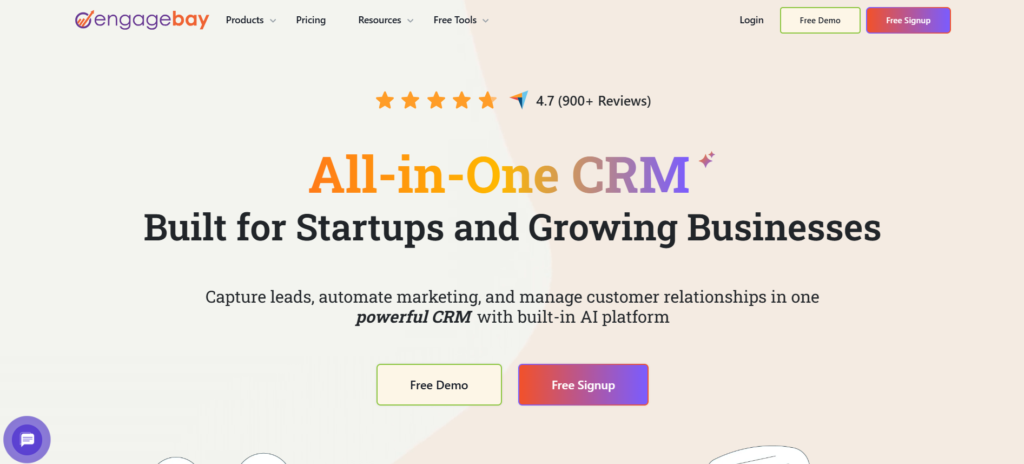
This is for small businesses and startups who seek an affordable yet wide-ranging marketing and sales package. EngageBay is the best GetResponse alternative.
The EngageBay offers you four services. Those are integrated suite, CRM and Sales, Marketing and Service.
EngageBay Features:
The features of EngageBay GetResponse alternatives are mentioned below.
- Video Templates: EngageBay’s powerful video marketing templates help you attract your customer’s attention by creating customized video thumbnails. It has never been easier to implant custom thumbnails into your email. But with EngageBay, it is now possible.
- Marketing Automation: By using email sequences, scheduling, follow-up emails, and even automatic welcome emails, you can automate your SMS or email marketing campaigns completely.
- Service Bay: This service bay allows you to offer customer support tickets, track problems, and solve queries. With this, you can also automate the generated canned responses and ticketing system and create support groups.
- LiveChat Bay: LiveChat Bay helps you interact with your customers in real-time. Also, you can predesign live solutions to FAQs. Thus, it improves efficiency.
EngageBay Pricing:
Out of all GetResponse alternatives, EngageBay offers the most personalized pricing structures. With its flexible pricing structures, businesses can choose a product which based on their needs.
- Free: With the free plan, you can store up to five hundred contacts and send emails per month. You will get features like CRM, helpdesk, sequences and social media management, email marketing, live chat, and autoresponders.
- Basic: You may have up to 1000 contacts and send 3000 emails monthly. Along with the free plan features, you will get email templates, a social suite, a conversational inbox, and lead scoring. The basic pricing starts at 14.99 dollars per month per user.
- Growth: With the growth plan, you can store up to ten thousand contacts and send twenty-five thousand emails per month. Along with the basic plan features, you will get push notifications, A/B testing, proposals, and custom domains. The cost for the growth plan is $49.99 per month per user.
- Pro: You will have unlimited contacts and can send up to 50000 emails with the pro plan. This is the most wide-ranging and feature-rich package with tools like uptime SLA, SSO, and more. The price starts from 99.99 dollars per month per user.
EngageBay Pros and Cons:
Decide if the EngageBay GetResponse alternative is the right fit for your business.
Pros:
- This provides an all-in-one solution and is the best value for your money.
- The integrated software eliminates your need to purchase additional software.
- This also provides free CRM, onboarding sessions, and migration.
Cons:
- There are fewer third-party integrations, but EngageBay is quickly closing this gap.
3.ConvertKit
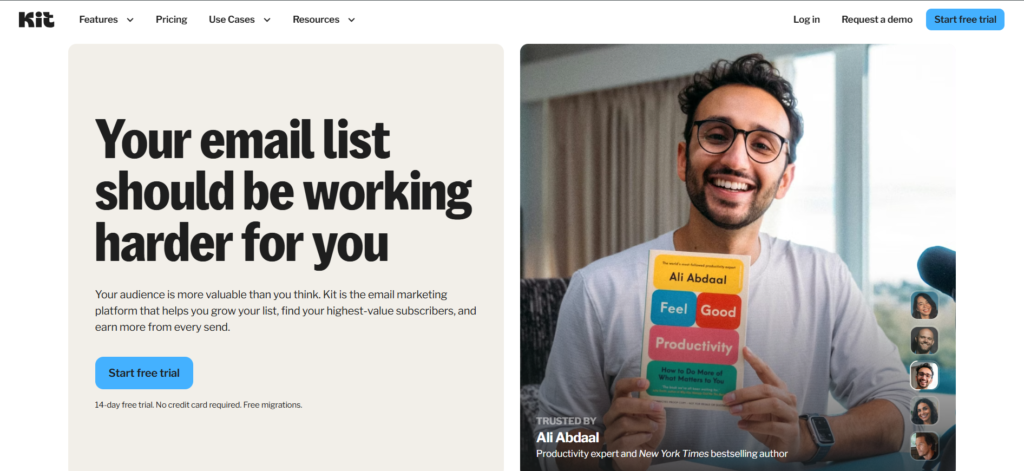
The ConvertKit GetResponse alternative is an email marketing service for online creators. This claims quality tools like automation, subscribers, customizable fonts, and more with its easy-to-use interface and innovative design.
ConvertKit Features:
Some of the features of ConvertKit are mentioned below.
- Email Marketing: You can automate emails by setting rules and conditions in advance with the ConvertKit.
- Integrations: ConvertKit offers several integrations with third-party tools like Shopify and Stripe. This unlocks a new variety of features, productivity, and integrations.
- Powerful Tools: Visual Builder allows you to build advanced automation sequences effortlessly. You can use ConvertKit’s resending feature to resend your emails and other broadcasts to people who have not opened your email campaigns yet.
- Tagging: The tag-based subscription system helps you add flexibility while segmenting your customers. This creates highly personalized campaigns.
ConvertKit Pricing:
The ConvertKit GetResponse alternative has three plans. Those are Free, Creator, and Creator Pro.
- Free: The forever free plan helps you access subscriber tagging, email broadcasting, growth reporting, and more. With this, you can manage up to 1000 customers.
- Creator: The creator plan includes premium support, direct integrations, APIs, email sequence automation, tagging, and advanced broadcasting features. The price for this depends on the number of subscribers. For example, it is twenty nine dollars per month for a thousand subscribers, forty-nine dollars for three thousand subscribers, and so on.
- Creator Pro: The Creator Pro plan includes a newsletter referral system, subscriber scoring, and advanced reporting. Creator pro plan pricing also varies as the creator plan depends on the number of subscribers. The pro plan starts at $59 per month and increases with the increase in subscriber count.
ConvertKit Pros and Cons:
Below are the pros and cons of ConvertKit.
Pros:
- It provides more than 90 integrations with other third-party applications.
- Dynamic email helps for powerful email marketing campaign personalization.
- You will be charged only for unique subscribers, and the duplicate subscribers won’t affect your quota.
Cons:
- Fewer customization options for templates might force you to use HTML to change the designs.
4.MailChimp
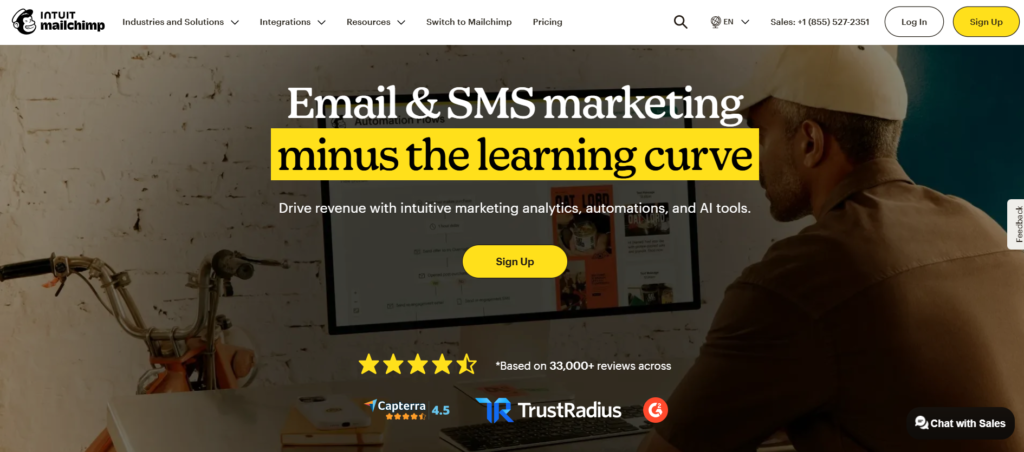
This is a great email marketing software for small and medium businesses. You can get social media management, analytics features, advanced reports, and marketing engagement tools with the MailChimp GetResponse alternative.
MailChimp Features:
The features of MailChimp are mentioned below.
- Email Templates: The MailChimp GetResponse alternative offers visually attractive templates and advanced customizations. This helps you to attract readers and show your brand image.
- Dashboards: The advanced real time updates and metrics of MailChimp offer a bird’s eye view of your marketing operations. This, too, with an easy-to-use dashboard.
- Segmentation: MailChimp’s segmentation tools can create lists based on interest, behavior, and other actions. This helps you to create a customized marketing campaign.
- Social Media: You can post and track marketing collateral from different social media platforms.
MailChimp Pricing:
MailChimp Getresponse alternatives offer you four plans. Those are free, essential, standard, and pro.
- Free: The free plan is a forever free plan and offers 500 contacts, 1000 emails, creative assistant integrations, and many more.
- Essential: This essential plan starts at thirteen dollars per month for 500 contacts and offers 5000 emails, A/B testing, assisted onboarding, automated customer journeys, and up to three audiences.
- Standard: This plan starts at 20 dollars per month for 500 contacts and offers 6000 emails, five audiences, dynamic content, pre-built journeys, and assisted onboarding.
- Pro: This pro plan starts at $350 per month for 500 contacts and also offers unlimited users. Along with this, it offers 150000 emails, comparative reporting, advanced segmentation, and dedicated onboarding.
MailChimp Pros and Cons:
Before choosing the MailChimp GetResponse alternative, make sure you know the pros and cons.
Pros:
- It provides the ability to import your templates.
- It provides a lot of integrations.
- Also, it provides comparative metrics and free-forever business, which is best for starting small businesses.
Cons:
- MailChimp GetResponse alternative will suspend or cancel your account if you have a high unsubscribe
- or spam rate.
5.AWeber
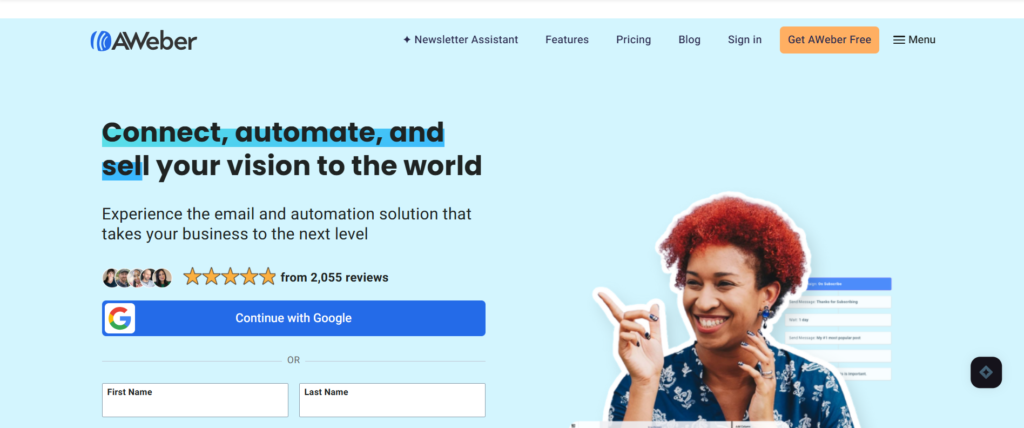
AWeber GetResponse alternative is a simple yet powerful email marketing tool for small businesses and startups.
AWeber Features:
Some of AWeber’s features are mentioned below.
- Segmentation: With AWeber’s built-in segmentation and listing feature, you can create customized content for your customers.
- A/B Testing: With this important feature, you can split test your campaigns with the liver user data before publishing.
- Free migration: The AWeber GetResponse alternative offers free migration services to import existing contacts to their platform.
- Landing page: You can create unlimited landing pages using the templates and stock images with AWeber. Also, you can design responsive sign-up forms to attract more subscribers.
AWeber Pricing:
AWeber GetResponse alternative offers you four plans, which include free, lite, plus, and unlimited.
- Free: You will have a 500-subscriber quota with the free plan. The features with a free plan include integrations, e-commerce solutions, sign-p forms analytics, free customer support, and many more.
- Lite: The price for the Lite plan starts from $12.50 per month and provides unlimited subscribers, landing pages, custom segmentation, and many more.
- Plus: The Plus plan for AWeber starts at $20 per month for unlimited email lists and users, advanced reporting, and so on.
- Unlimited: The unlimited plan prices $899 per month, unlimited email automation, personalized account management, and more. This unlimited plan for AWeber is truly unlimited.
AWeber Pros and Cons:
Let us see the pros and cons of AWeber.
Pros:
- It is one of the few platforms which provide a wide-ranging set of mobile applications for on-the-go needs.
- Easily understandable user interface.
- Offers 500+ integrations to help your business connect and grow.
Cons:
- The free version of the AWeber GetResponse alternative is capped at only 500 contacts.
Bottom Line
Although Getresponse is a solid marketing automation platform, it is not the best. But these GetResponse alternatives offer you various features with interesting prices. From this, you can choose a platform that perfectly suits your budget and business needs.
Comments