Creating visuals is now a key part of online marketing. You need them for social media, branding, infographics, and more. Creating these visuals was difficult in the past, especially for those without design skills. But now, this is simple as there are many online design tools available.
The most popular tool among them is Canva. This tool has over 15 million users. It simplifies designing visuals for online marketing. However, Canva might not suit everyone’s needs. You may need an affordable tool with more features. To help you find the right tool, below is a list of the best Canva alternatives for 2026.
1. Adobe Spark
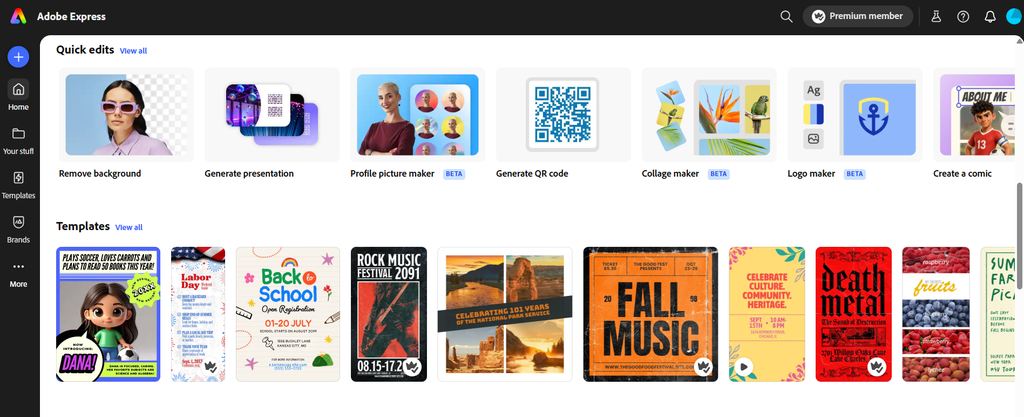
Adobe Spark is one of the Best Canva Alternatives. It is also known as Adobe Express. This tool allows you to create a simple and responsive website. You can also use it to create animated videos.
The design tools in the editor may seem basic at first glance, but they are actually quite impressive. You will find features like curved text, unique animation effects, and images in Adobe Stock.
The main feature that makes Adobe Spark the Best Canva Alternatives is the branded story feature. You can add your main brand assets, like the logo, fonts, and colors, to create a stunning logo for your business.
Ideal For
Adobe Express is ideal for those looking to create social media content quickly and easily. Anyone with a Creative Cloud subscription can use this. There is also a standalone option for individuals.
This tool isn’t for non-designers who need access to everything at all times. It is better suited for someone who can work with the basics and has some design experience.
Pricing
Adobe Express is included with all Creative Cloud subscriptions, and the premium plan starts at $9.99 per month.
2. Pixlr
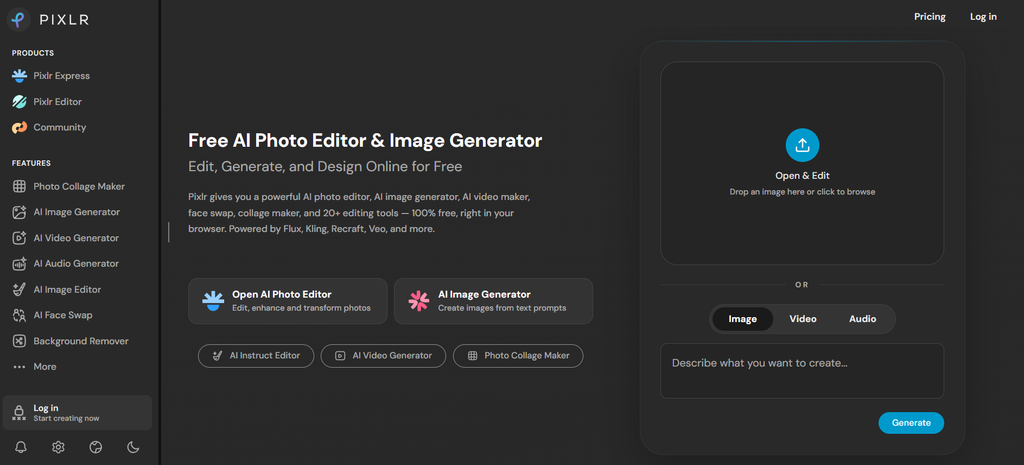
Pixlr is also the Best Canva Alternatives. It is especially suitable for budget-conscious people. It offers both a solid free plan and very affordable paid options. While Pixlr may feel a little rough around the edges, it is quickly becoming a favorite for image editing.
The platform is split across five apps. Each app is designed for specific tasks. This setup can be a bit confusing at first, but it makes Pixlr flexible and user-friendly. It offers everything from templates to advanced editing tools.
With regular updates and ongoing enhancements, Pixlr X is an excellent choice for anyone seeking a comprehensive online photo editing solution.
Ideal For
Pixlr is ideal for those who need a cost-effective tool for graphic design and photo editing. It is great for people who can navigate between apps and want a powerful tool without paying high prices.
Pricing
Pixlr offers a free plan with three saves per day and limited AI features. The paid plans start at $1.99 per month for an ad-free experience and it can go up to $7.99 for full access to templates, fonts, and AI features.
3. Stencil
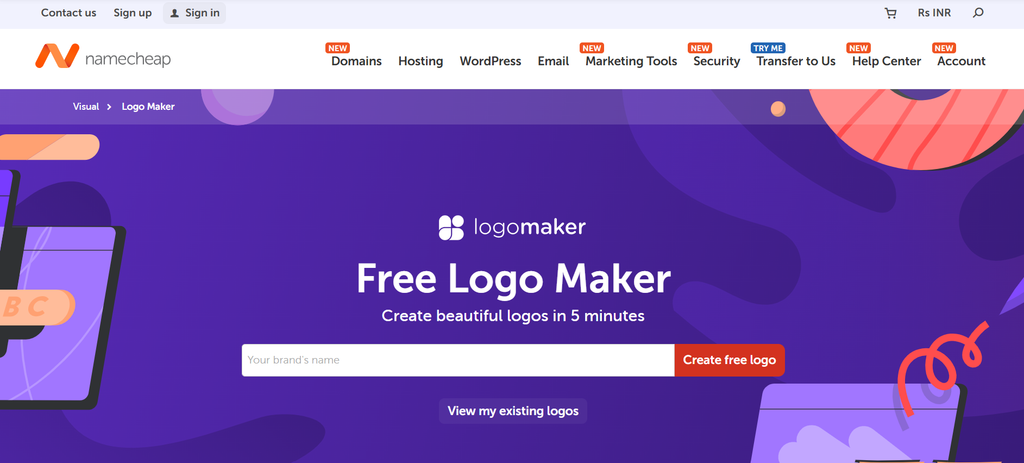
Stencil is a straightforward graphic design tool that focuses on simplicity. It allows you to create basic designs by overlaying text on background images. The tool provides simple icons, shapes, and a simple editor.
However, it lacks animation, interaction features, and video background options. A unique feature is its built-in quotes section. This feature allows you to quickly add pre-made quotes to your designs.
This makes Stencil ideal for content creators who frequently share motivational quotes. Overall, it’s perfect for users looking for a fast and easy way to produce visually appealing graphics without complex tools, thus making it the Best Canva Alternatives.
Ideal For
Stencil is ideal for content creators who need quick and simple designs, particularly for quotes. It is perfect for casual creators working with platforms like Amazon and Zazzle.
Pricing
Stencil offers a free account with limitations on images per month.
- Pro: $15 per month
- Unlimited: $20 per month
Note: Stencil announced that its online graphic design tool would shut down on July 10, 2026.
4. PicMonkey
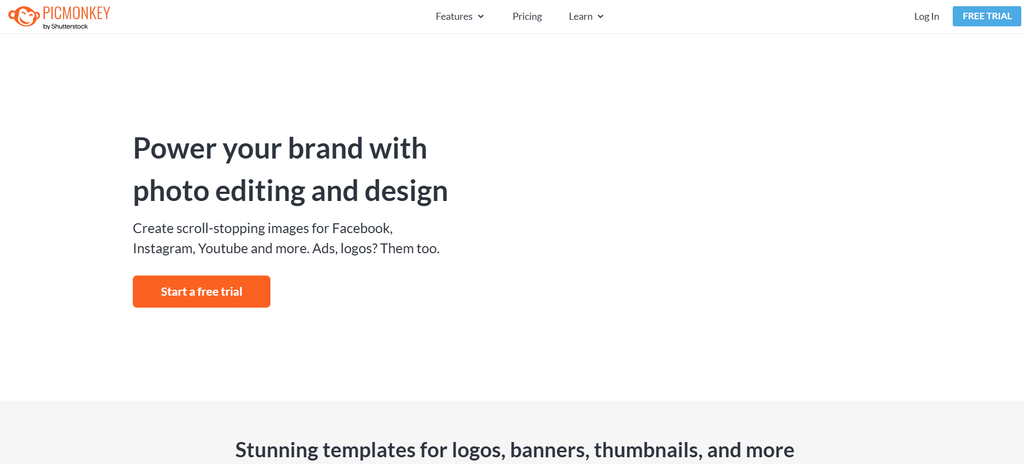
PicMonkey is an online tool that provides a unique combination of photo editing and graphic design capabilities. This feature makes it the Best Canva Alternatives. Users can create various visuals, presentations, logos, and invitations using this app.
While PicMonkey is a robust design tool, it is particularly recognized for its photo editing capabilities. It provides various templates, mobile app accessibility, and a simple interface for editing. This helps your users to create stunning visuals quickly.
Content creators and freelancers can benefit from its ease of use. It helps them to create professional-looking images and graphics for their brands effortlessly.
Ideal For
PicMonkey is suited for creative entrepreneurs, bloggers, and small business owners. It offers quality photo retouching and graphic design abilities.
Pricing
PicMonkey offers the following paid plans:
- Basic: $7.99/month
- Pro: $12.99/month
- Business: $23/month
- A 7-day free trial is available for the first two tiers, requiring a credit card for sign-up.
5. Snappa
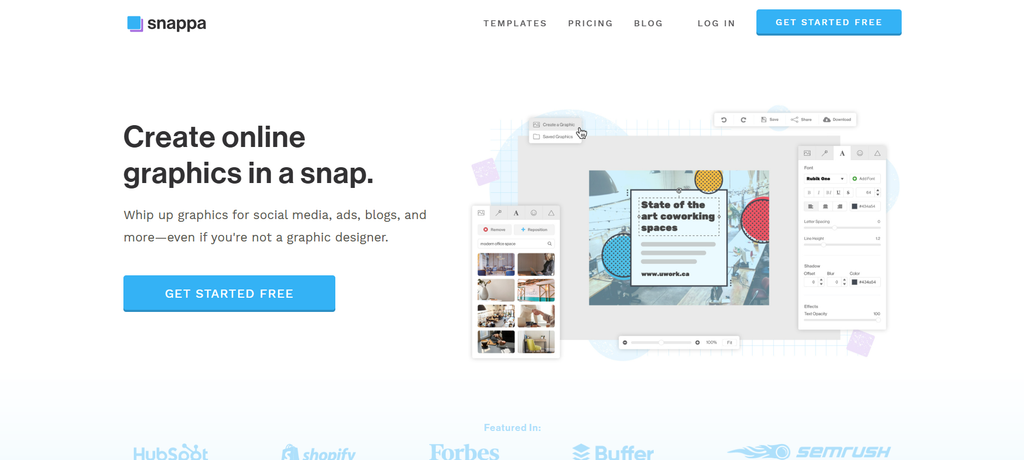
Snappa’s graphic design templates focus primarily on sizes suitable for social media channels and blog graphics. Unfortunately, it lacks templates for business-related designs like business cards or documents. However, Snappa is also one of the Best Canva Alternatives.
The editor features a simple and clean interface, offering design elements such as icons, vectors, photos, and basic shapes. While the vectors are displayed in black, they can be customized with different colors.
On the downside, Snappa does not support animation features, and creating GIFs is not an option. This limitation may be a drawback for users looking to add dynamic elements to their designs.
Ideal For
Snappa primarily targets social media marketers and bloggers, with Buffer integration for social media scheduling being a significant attraction for this audience. The template styles suits small businesses and startups. However, it lacks data visualization tools, making it unsuitable for businesses or academic use. Snappa is designed for casual yet purposeful design.
Pricing
Snappa offers one free plan and two paid options. The free version allows one user to access thousands of templates. The paid plans are:
- Pro: $15/month
- Team: $30/month
6. Fotor
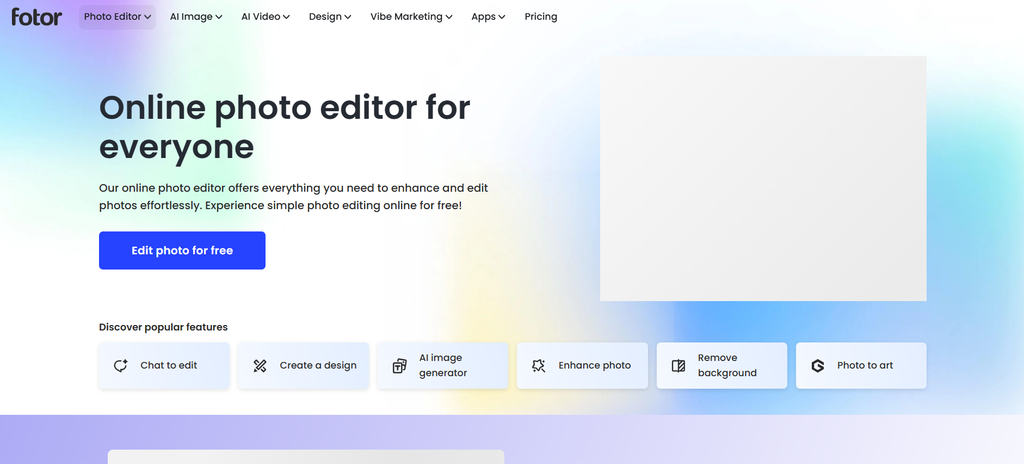
Fotor is a useful online photo editor. It provides various tools for editing and improving digital images. As the user interface is simple it accessible to users of all skill levels. Fotor also includes online storage and sharing capabilities.
This allows users to access and share their edited images conveniently from anywhere. The platform has an AI Image Generator, Photo Retouching, and AI Photo Editor tools. These tools help to improve its functionality.
Fotor is generally free to use and is available across multiple platforms. This includes Windows, Mac, iOS, Android, and web browsers. Fotor stands out as one of the Best Canva Alternatives because of its numerous advantages.
Ideal For
Fotor is ideal for photographers and those who looking for an easy way to edit photos and design visual content. Its flexibility makes it suitable for both professional and casual users alike. This makes it as one of the Best Canva Alternatives.
Pricing
Fotor offers three pricing plans:
- Fotor Basic: Free
- Fotor Pro: $8.99/month
- Fotor Pro+: $19.99/month
7. Visme
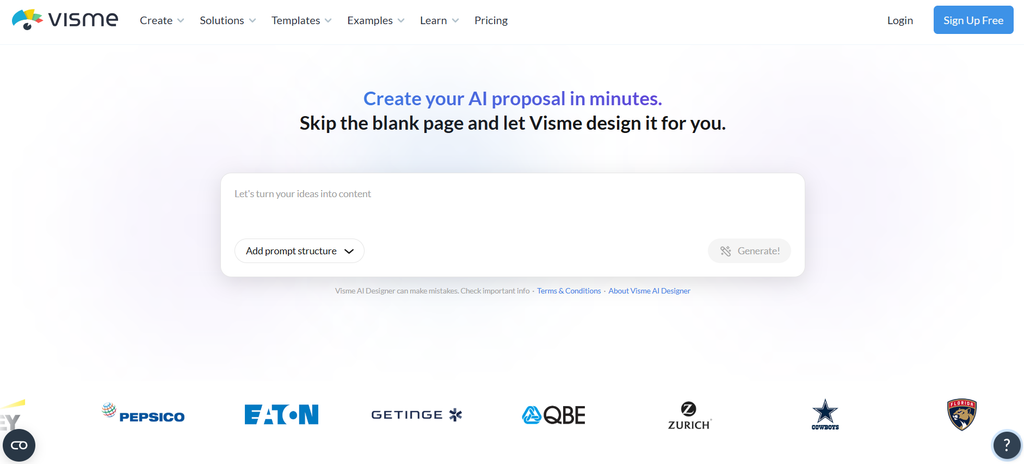
Visme is an intuitive graphic design tool. It has a simple user interface and drag-and-drop editor. These features make it easy to create professional presentations and more, thus making it the Best Canva Alternatives.
Visme improves workflow efficiency and offers advanced data visualization options with the help of over 10 AI-powered tools. It includes customizable charts and graphs. Users can access a library of professionally designed templates tailored for various business needs.
Visme also has animation, interactivity, and brand wizard features for smooth branding. Visme also supports collaboration among team members and provides robust analytics to track engagement. With multiple downloads and sharing options, it’s the Best Canva Alternatives available for creating engaging visual content.
Ideal For
Visme is a complete business and visual design tool suitable for organizations of all sizes. It is useful for startups and large enterprises. It simplifies the work for teams such as sales and marketing, project management, product development, learning and development, human resources, IT, design, and visual content creation. These teams can effectively produce reports, presentations, proposals, and various other documents.
Pricing
Visme offers a free plan that allows you to use the tool indefinitely. With this you can explore its features. If you find that you need more advanced capabilities, you can choose from paid plans starting at $12.25.
8. Design Wizard
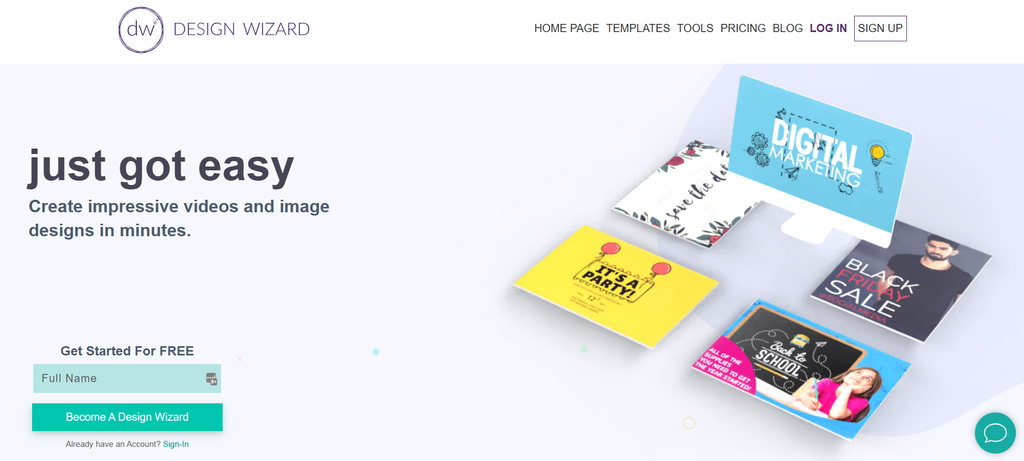
Design Wizard is also the Best Canva Alternatives used for creating static graphics and short videos. It provides templates for various social media assets, as well as some document and presentation projects.
Within the editor, you can select between a static graphic editor and a video editor, each featuring a distinct workspace. The design functionalities in Design Wizard resemble those found in Adobe tools, using terms like layers and artboards.
Although Design Wizard excels in ease of use, it lacks design elements such as data visualization tools, icons, or illustrations for both static and video projects. However, the video editor includes a useful timeline for editing.
Ideal For
Design Wizard is ideal for individuals who need to create simple visual assets without examining deeply into technical aspects. The templates cover a wide range of topics and industries, making them accessible to casual bloggers and social media enthusiasts.
This tool may not be suitable for those who need to visualize data or seek detailed control over their designs and compositions.
Pricing
Design Wizard offers one free and two paid options. The Basic plan is free and features pay-as-you-go capabilities, making it a great choice for beginners experimenting with the tool.
The paid plans are as follows:
- Pro: $9.99/month
- Business: $49.99/month
9. Easil
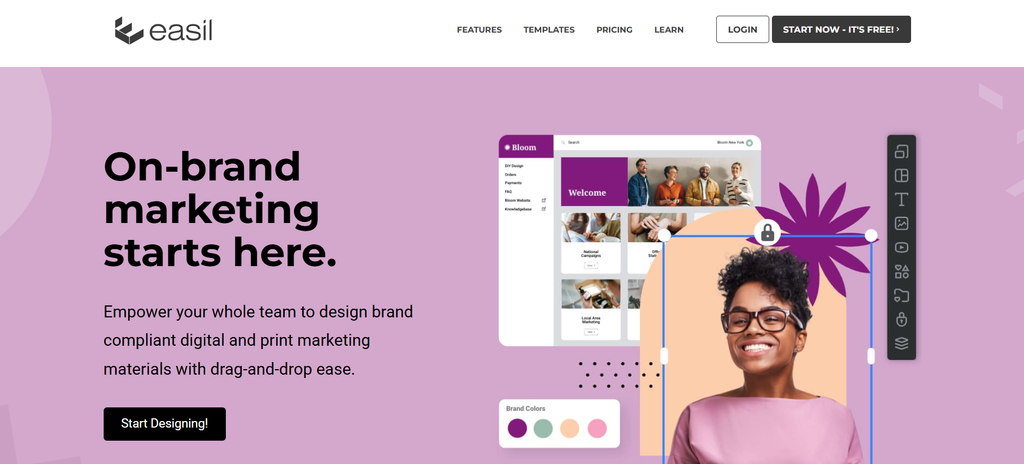
Easil is an alternative is also the Best Canva Alternatives that features fresh and vibrant templates, particularly popular for Instagram stories and other common social media formats.
The number of available templates increases with your subscription level, making it a strong competitor to Canva. The editor offers a wide range of design elements, with a standout feature being its extensive selection of shape masks. Additionally, users can access icons, illustrations, patterns, and images.
Easil includes a precise locking feature that allows for template creation tailored for teams, as well as the capability to design animated GIFs.
Ideal For
Easil is designed for users primarily focused on social media visuals and blog-related graphics. It boasts thousands of templates in various styles, mostly reflecting current trends rather than corporate aesthetics. This tool is particularly suited for bloggers, creative entrepreneurs, and small teams working on content for similar purposes, such as small businesses or startups.
Pricing
Easil offers one free and two paid options. While the highest-tier plan is on the pricier side, it provides extensive features for graphic design.
The paid plans include:
- Plus: $7.50/month
- Edge: $59/month
- Enterprise: Custom pricing
10. VistaCreate
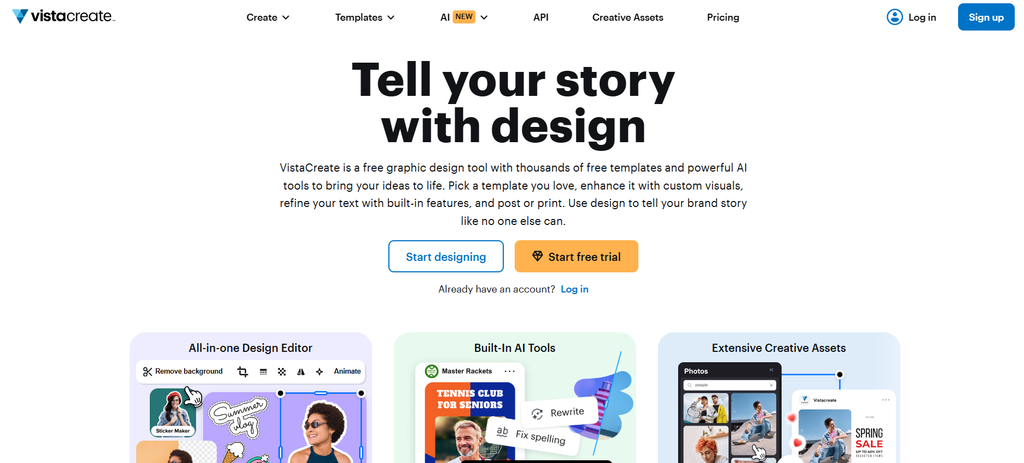
Vista Create, known as Crello, is one of the Best Canva Alternatives. It provides you with various templates in multiple styles and formats. This is suitable for social media, print, and marketing materials.
The editor features an extensive library of animated illustrations. However, these illustrations are not customizable, so users get them as they are.
Basic shapes can be found under the elements tab, but they require a bit of searching. While Vista Create includes some business-related templates, its design tools lean more toward fun than professionalism. Users may find limitations in achieving a highly professional look.
Ideal For
Vista Create is designed for those who have been using Canva and are looking for a fresh alternative. The images differ because they come from a distinct provider, and the stickers resemble those found in Instagram stories, making it easier to create engaging visuals quickly.
This platform is better suited for bloggers and small businesses that need to produce visuals for social media rather than those who need to visualize data.
Pricing
Vista Create offers a free plan with reasonable limits for users to test the tool.
- Pro: $13/month
Final Thoughts
Hope that you have enjoyed discussing the Best Canva Alternatives. These alternatives provide different features and tools to create the perfect design for your business. The best thing is most of these apps offer free trials, so you can download and understand more options and select the one that suits your requirements.
Comments