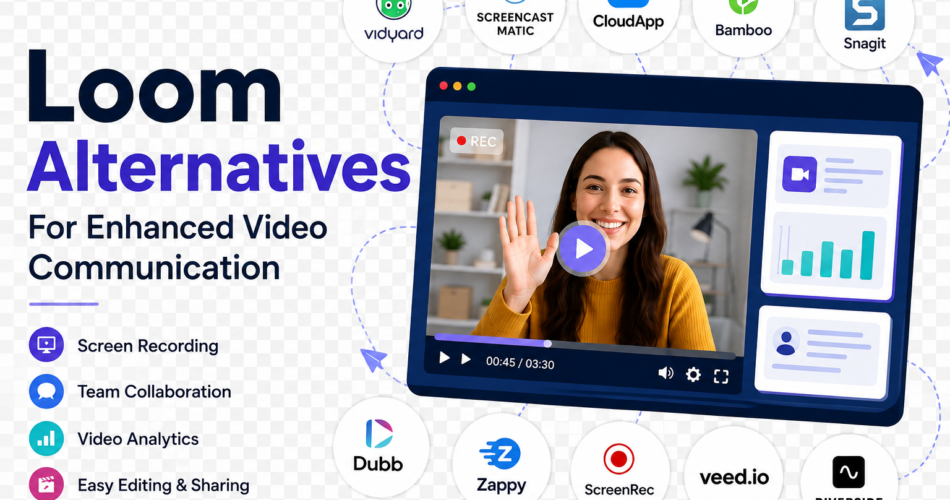
Video communication has become pretty important in today’s hybrid working environments for collaboration and engagement purposes. While Loom is super popular, there are some alternatives that has unique features that might be more suited to your needs.
Here’s the complete list of the top 10 Loom alternatives, their primary features, and what makes them stand out.
1. Vidyard
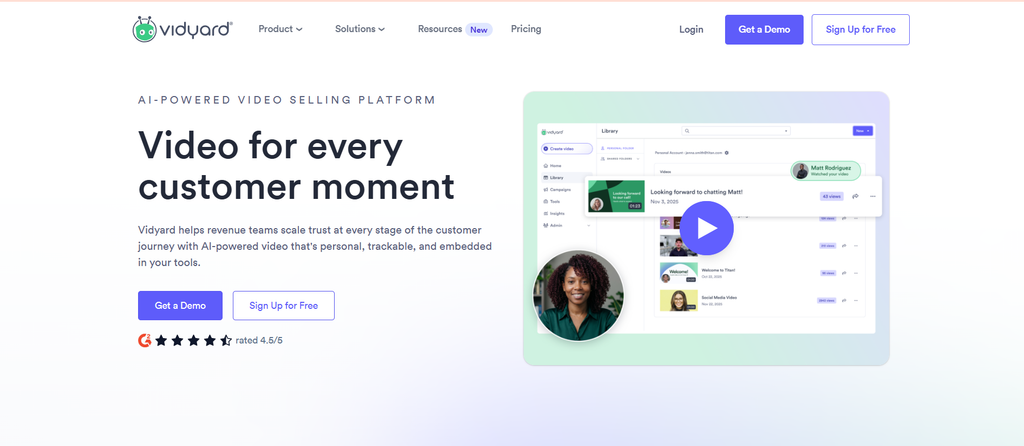
Vidyard is one of the largest video platforms built for marketing and sales functions. It helps users create, host, and share videos. Thus, Vidyard stands as a fantastic loom alternative for teams that use video as a means of communication with customers while training or reaching out.
Key Features
- Customizable Video Players: Label the video player with your identity, logos, and color palette so that the viewers receive a seamless experience in viewing the video.
- Personalized Videos: Add viewer-specific information into your videos to enhance engagement and give them that customized feel.
- Interactive Features: You can request something by having a call to action and interactive overlays in videos, and then there is an instant reply from the viewer.
- Screen Recording: Screen recording makes it very easy as you can speak while you record your screen, which can be pretty handy to demonstrate some things and add meaning to the viewer.
Why Is It the Best Alternative?
Vidyard is pretty advanced in analytics and marketing, so it’s kind of for those businesses looking to enhance video toward the edge of making sales and engaging customers.
2. Screencast-O-Matic
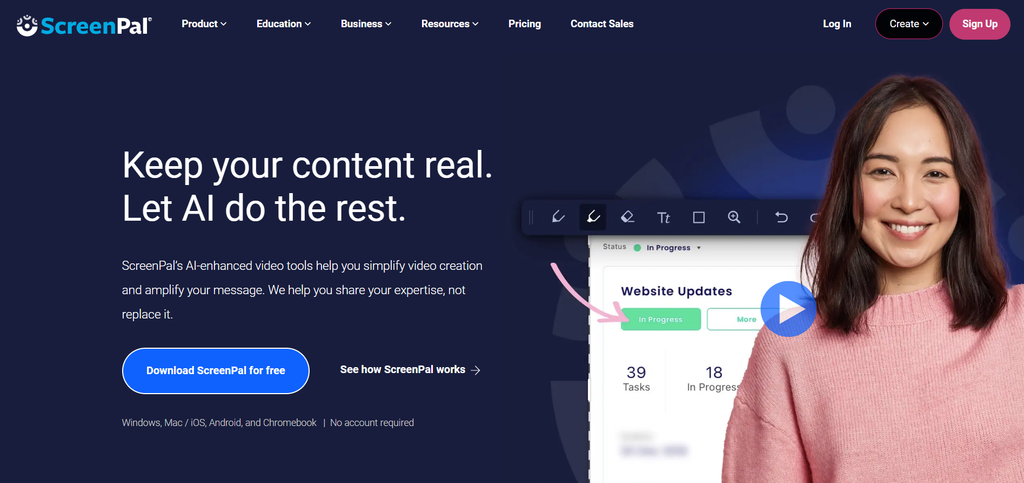
Screencast-O-Matic is a screen recording and video editing tool. One can produce professional-quality videos within a few short clicks in this loom alternative.
It provides support with different recording formats, and effective tools offer editing choices that enable a person to provide professional videos even if they do not possess high technical skills.
Features like cloud storage and mobile access will definitely make screencasts from Screencast-O-Matic a basic foundation of flexibility and convenience for any user anywhere.
Key Features
- Editing tools: Editing is done through the basic use of music and text overlays, cutting, and enhancing capabilities.
- Interactive Elements: You would be kept engaged because of quizzes and polls to participate highly in your learning, hence improving your knowledge output.
- Mobile Application: You can record and edit directly on your mobile phone, and it can be done anywhere and anytime.
- Stock Media Library: Images and music can be stocked in a library. Therefore, you can use any without creating every element from scratch.
- Captions: Automatically create captions for better accessibility. Therefore, more extended audiences reach your content.
Why It’s the Best Alternative?
Screencast-O-Matic is easy to use but has powerful editing options, which makes it a best loom alternative ideal for educators and marketers in the event of quick video production.
Read also : 10 Best Canva Alternatives in 2026
3. CloudApp
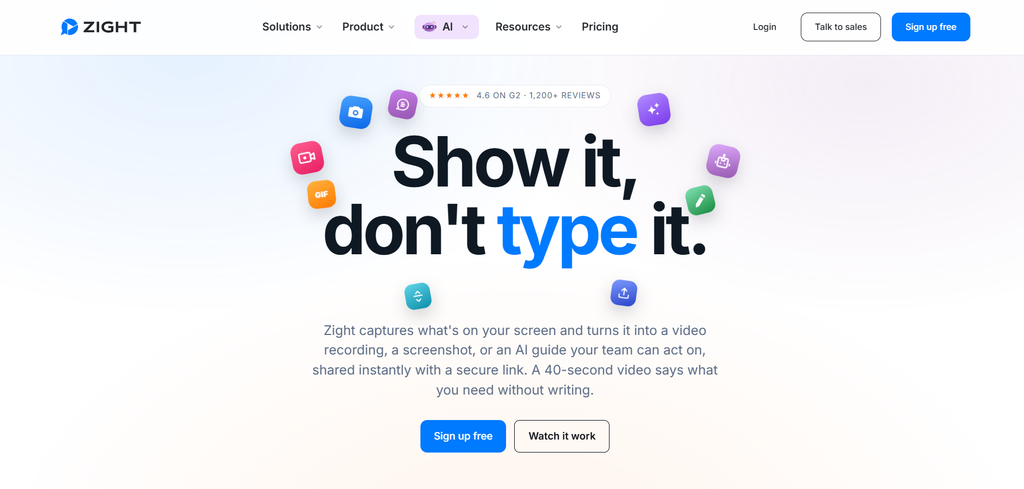
CloudApp is a resource that provides all-in-one visual communication through screen recording, taking screenshots, and creating GIFs from one interface. The reason behind it is to enable fast and efficient communication among teams.
This is a tool designed with speed and simplicity in mind. The possibility to share complex information visually through it can aid collaboration in remotely scattered workspaces because it integrates work with all of today’s biggest project management.
Key Features
- Instant GIF Creation: Turn your screen recordings into GIFs and share short clips easily.
- Annotation tools: These features come pretty easy as they add text, arrows, and shapes to your videos and screenshots to make giving feedback or instructions more direct.
- Video Calls: Live, recorded video calls are done for real-time collaboration that can be reviewed later.
- Custom Branding: Add your company’s logos and colors to all of your videos so you can have the same feel across all communication.
- Features That Relate To Team Management: All of these features help you handle user access and roles within the platform, increasing the level of security for collaboration.
Why It’s the Best Alternative?
The interaction capability of the CloudApp with visual feedback tools that are very effective for fast and efficient communication makes it the best loom alternative. Hence, it makes teams very productive.
4. Bamboo

Bamboo allows video messaging to be sent to teams in quite a direct manner. The simplicity for any user, by nature, would make it easy to record and share video messages without much knowledge.
Meant to enable fast communication in the most straightforward manner, with minimal or no complex production, bamboo is very apt for team updates and information communication.
Key Features
- One Click Recording: It is possible to record within one click without complicated settings work.
- Commenting features: Feedback and comments are given right on the video, which will allow team members to view the video.
- Video Libraries: Save recorded videos in libraries. Videos are easy for the team to find and manage.
- Voiceover Feature: Make voiceovers in the recorded videos add an even better experience.
- Search: Find a particular video live by keyword or tag without wasting your time finding a video.
Why Is It the Best Alternative?
Bamboo is a great solution for teams because it is an easy tool that highlights feedback. It will help you easily get the video messaging solution without piling up loads of complexity upon you.
5. Snagit
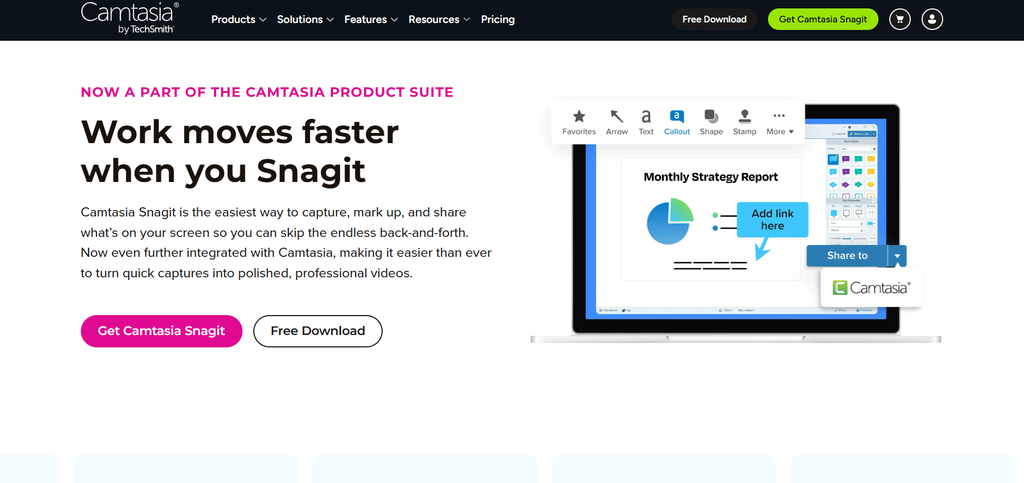
Snagit is a highly powerful software for screen capture and video editing, which most educators, trainers, and marketers adopt to easily create high-quality tutorials and promotional content.
Snagit focuses on visual communication, giving it a set of editing features that allow users to really enhance their recordings and screenshots. Other than recording, Snagit can also produce animated GIFs. This makes it the best loom alternative for every type of content needed.
Key Features
- Editing Features: Equipped with an advanced range of editing tools, including effects, transitions, and annotations to ensure a very good video output.
- Animated GIF Creation: Converts your screen captures into GIFs easily in order to share information or highlight.
- Comprehensive Sharing Options: Share videos directly to YouTube or Google Drive. It provides an easy way to distribute the product.
- Quick Video Templates: Use pre-designed templates if you’re creating some kind of recurring piece of content.
- Multi-Device Compatibility: Users are allowed to get creative on content using a smartphone, tablet, or any device with Snagit to ensure flexibility.
Why It’s the Best Alternative?
Its heavy features in editing, together with Snagit’s focus on a visually related form of content creation, make it one of the best loom alternatives for educators, trainers, and marketers in the production of high-quality instructional videos.
6. Dubb
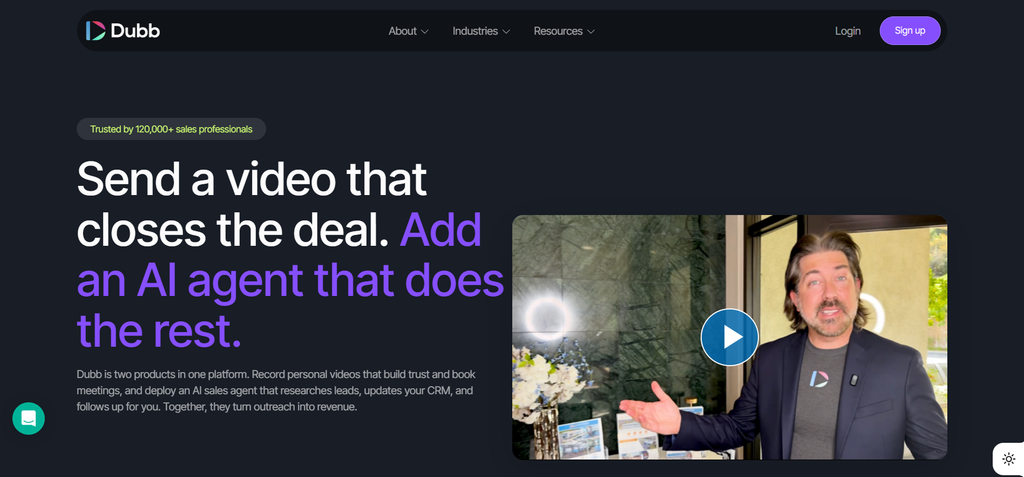
Dubb video marketing and personal communications are perfect for businesses as they intend to connect with their customers. The users of the site can develop dynamic video content that can easily be added to marketing campaigns, emails, or even social media.
Dubb personalizes with rich analytics support, so one can help businesses use the video strategy for better engagement and better conversions, which makes it the best loom alternative.
Key Features
- Personalization in Videos: You can include the names of the viewers and the company logos in company-created videos.
- Call-to-Action buttons: Your video should have clickable CTAs so that it will make the users do whatever action you want them to do, such as visiting a site or even signing up for a newsletter.
- Email Integration: Adding video links directly into email marketing campaigns makes it a little easier to get people’s attention with the help of image-based content.
- Video Landing Pages: These can also be added for special content to further enhance the user experience and conversion rates.
- Sharing in Social Media: Direct sharing of videos on several social media platforms with less trouble in promoting the content or increasing reach.
7. Zappy
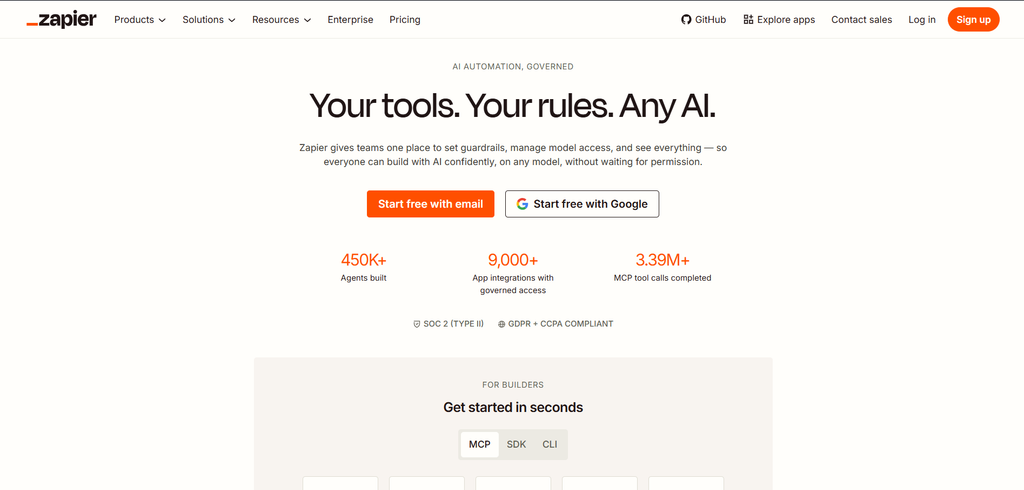
Zappy is designed to be fast at screen recording and information sharing. The Zappy tool facilitates quick visual communication in relationships with the team to gain and share information freely. Very functional, lightweight, and user-friendly, Zappy is great for teams needing rapid feedback and updates.
Important Features
- Screen Recordings: Record your screen with the click of a button, get the required information as soon as it is available.
- Sharing Links: Create sharable links to recorded videos and instantly share them across teams.
- Lightweight: The application is light on the workflow due to its ability to take such a short amount of time to launch and start working, thus causing fewer workflow interruptions.
- Video Trimming: Trim any video to extract what is unwanted but take only the final product forward with what is necessary.
- Collect Video Feedback: Let employees comment on videos that describe discussions better.
Why It’s the Best Alternative?
Zappy focuses on speed and collaboration, making them most suitable for teams who need to talk to each other quickly without sacrificing quality. That’s why Zappy is considered the best loom alternative.
Read also : Best 7 Zoom Alternatives & Competitors in 2026
8. ScreenRec
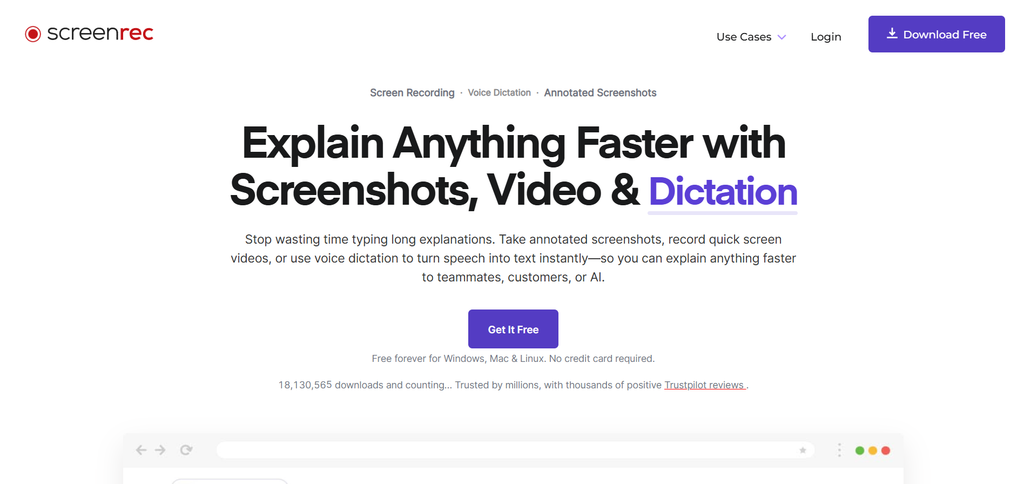
ScreenRec is a free screen recorder with very heavy capabilities for recording and sharing video content. This loom alternative attracts users who only need a cheap screen recording but do not necessarily lose quality.
With unlimited recording time and cloud storage, you may create as many extended tutorials or presentations as you want relatively easily. The most impressive feature of this application is its ease of use for everybody, be it a beginner or a professional.
Key Features
- Unlimited Recording Time: No limits in recording time, and that lets you record complete tutorials and presentations all at once.
- Free Cloud Storage: You record for free and save it in the cloud. This means that you don’t have to worry about disk space for your content.
- Controlled Access of Views to Recorded Videos: Control who you share information with and manage your views.
- Analytics Dashboard: Keep an overview of what viewers are watching and even how they react to your shared videos, as well as details on how your audience is taking your content.
Why Is It the Best Alternative?
The most unique feature here, however, is the Unlimited Recording Time with Free Cloud Storage. For one, most free applications usually have time limitations and inferior cloud storage capacity, too, so I believe this feature really works as a great choice for free yet strong screen recording.
9. Veed.io
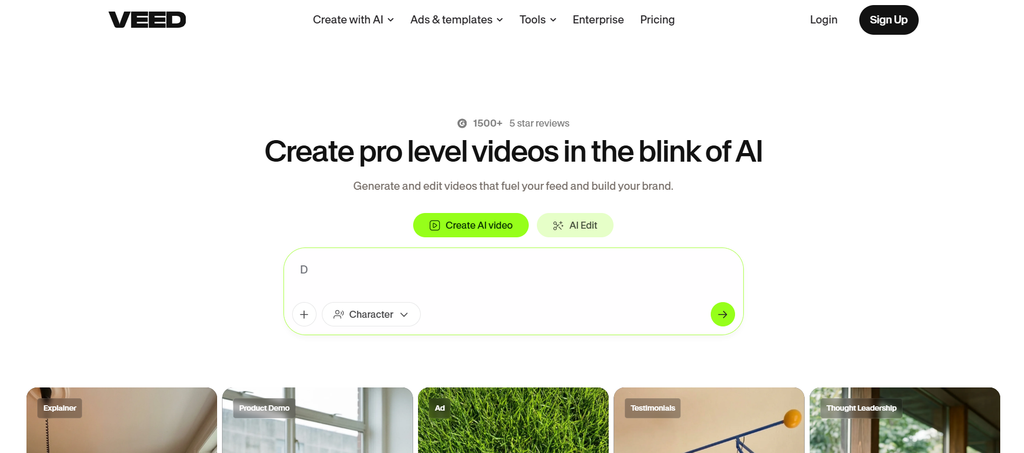
This service is a web-based video editor with a screen recording feature. It is an all-in-one content creation tool. That’s why it is a good loom alternative.
If your users have minimal knowledge of video editing, you don’t have to worry about delivering them high-quality footage with the self-explanatory interface on the site. Collaborative features make it possible for multiple users to work together on the project.
Key Features
- Auto-Captioning: Add auto-subtitles to your videos to make them more accessible to an enormous audience.
- Customizable Templates: Use one of our numerous templates to create a video in your brand style and make the video less time-consuming.
- Real-time Collaboration: Let team members edit and comment in real-time, making workflows and feedback loops smoother.
- Video Effects: This enables them to add filters, overlays, and transitions to the video to give it more creative expression and professionalize it for the finish.
- Audio editing tool: It makes the audio levels adjustable, and even background music and voiceovers can be added to give a finish to your final product.
- Video Export: There are also various export options that are quite flexible and can suit every platform and use in sharing content.
Why It’s the Best Alternative?
But Veed.io is a tool that has pretty good editing and is not too painful for collaborating, so it becomes a good loom alternative for people with good-quality video-making skills.
10. Riverside. fm
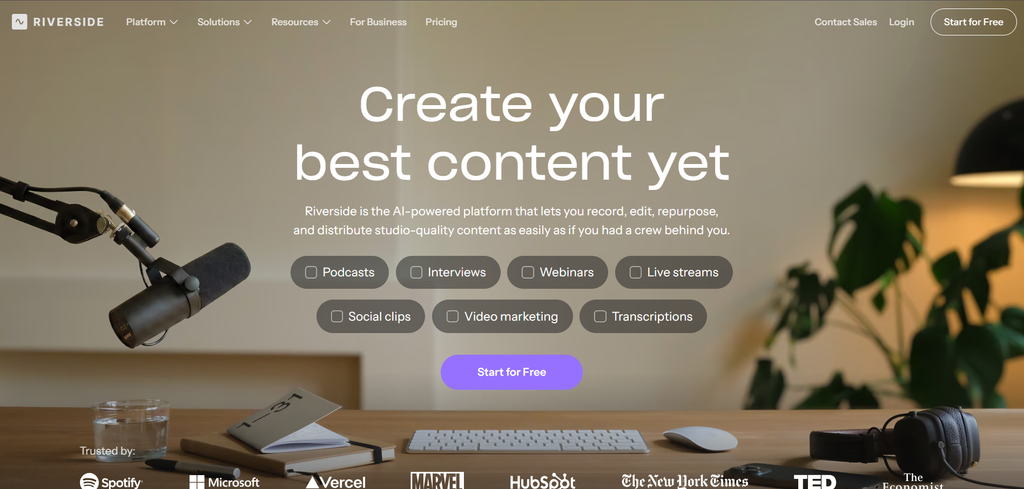
This platform specializes in high-quality audio and video recording, especially for podcasters, interviewers, and content creators. This loom alternative ensures a high-quality output from the user’s end.
Some of the features specifically designed for remote interviews and collaborations make it simple for the creators to capture engaging discussions as well as interviews with several participants.
Key Features
- Local Recording for Good Quality: This records video and audio on each participant’s device, regardless of the problem of internet connectivity during recording, ensuring good quality output.
- Multi-Track Recording: This provides a separate audio track for the recording of every participant, giving extra flexibility in editing and also offering the best possible quality for sounds.
- Live Streaming Options: It helps capture live streams to YouTube and Facebook, where content will be shared as it is being recorded, and enables audiences to engage with the channel in real-time.
- Video Editing: It assists in some simple functionalities for quick adjustments after recording so that preparing the content before it is published becomes easier.
Why It’s the Best Alternative?
The key service provided by the riverside.fm allows for a focus on high-quality recording and makes podcast creation quite easy. That’s why this loom alternative is a very valuable tool for most content creators who want to create professional audio and video content.
Summarizing
These loom alternatives offer some value in addressing video communication problems to enhance cooperation.They are the perfect tools that would suit your efforts in cooperation and some form of editing.
Comments