In the fast-paced digital landscape of 2026, selecting the right web design tools can transform a basic website into a captivating user experience. As more businesses prioritize seamless, visually stunning online presences, the demand for versatile graphic design tools tailored to web projects has skyrocketed. Whether you’re a freelance designer sketching prototypes or a team lead collaborating on interactive layouts, the best web design tools blend creativity with efficiency.
This article dives into the seven standout options that dominate the scene this year, helping you craft responsive sites without compromising on aesthetics or functionality.
From AI-powered interfaces to vector-based powerhouses, these tools cater to beginners and pros alike. With trends like immersive animations and mobile-first designs leading the charge, investing in top-tier software ensures your projects stay ahead. Let’s explore how these graphic design tools for web elevate your workflow.
Why Choose the Best Web Design Tools in 2026?
The evolution of web design demands more than static pages; it’s about creating dynamic, user-centric experiences. In 2026, the best web design tools integrate AI for rapid prototyping, real-time collaboration, and seamless exports to code. They reduce development time by up to 40%, allowing designers to focus on innovation rather than manual tweaks.
Key Benefits of Web Design Tools
- Enhanced Collaboration: Cloud-based platforms let teams iterate instantly, minimizing version control headaches.
- AI Assistance: Features like auto-layouts and color suggestions speed up decision-making.
- Cross-Device Compatibility: Tools ensure designs render perfectly on desktops, tablets, and mobiles.
- Cost Efficiency: Many offer free tiers, making professional-grade results accessible.
By leveraging these tools, designers report higher client satisfaction and faster project turnarounds. As we head deeper into the decade, tools that support emerging standards like Web3 integrations and sustainable coding practices will define success.
1. Figma
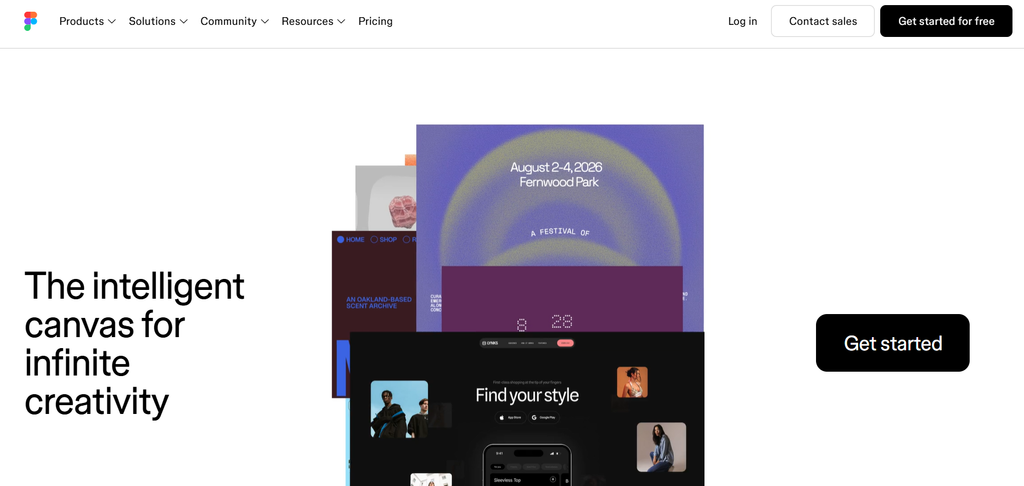
Figma tops our list as one of the best web design tools for its unmatched real-time collaboration and browser-based accessibility. Launched as a web-first platform, it has become indispensable for teams building complex web interfaces in 2026.
Core Features and Benefits
Figma’s vector editing suite rivals traditional graphic design software, with tools for wireframing, prototyping, and high-fidelity mockups. Its Dev Mode bridges design and development, generating clean CSS code directly from designs. AI enhancements, like auto-animate transitions, make interactive elements a breeze.
Pros:
- Unlimited free collaborators.
- Plugin ecosystem for extensions like Unsplash integration.
- Seamless handoff to developers.
Cons:
- Web-based nature requires a stable internet.
- Advanced features locked behind paid plans starting at $12/user/month.
Ideal Use Cases
Perfect for remote teams prototyping e-commerce sites or SaaS dashboards. In 2026, Figma’s FigJam whiteboard tool was developed for brainstorming sessions, making it a full-spectrum solution for web projects.
2. Adobe XD
Adobe XD remains a staple among the best web design tools, especially for those already in the Adobe ecosystem. Its 2026 updates emphasize voice prototyping and responsive resizing, streamlining the journey from sketch to live site.
Key Capabilities
This tool excels in graphic design for web through repeat grids for scalable UI components and stakeholding features for client feedback. Integration with Photoshop and Illustrator allows effortless asset imports, ideal for custom icons and banners.
Pros:
- Robust animation timeline for micro-interactions.
- Free starter plan with core features.
- High compatibility with AR/VR exports.
Cons:
- Subscription model ($9.99/month) ties into broader Creative Cloud costs.
- Steeper learning curve for non-Adobe users.
Best For
Freelancers handling branding-heavy web redesigns. XD’s plugins, like Content Reel for dummy text, accelerate content population in prototypes.
3. Sketch
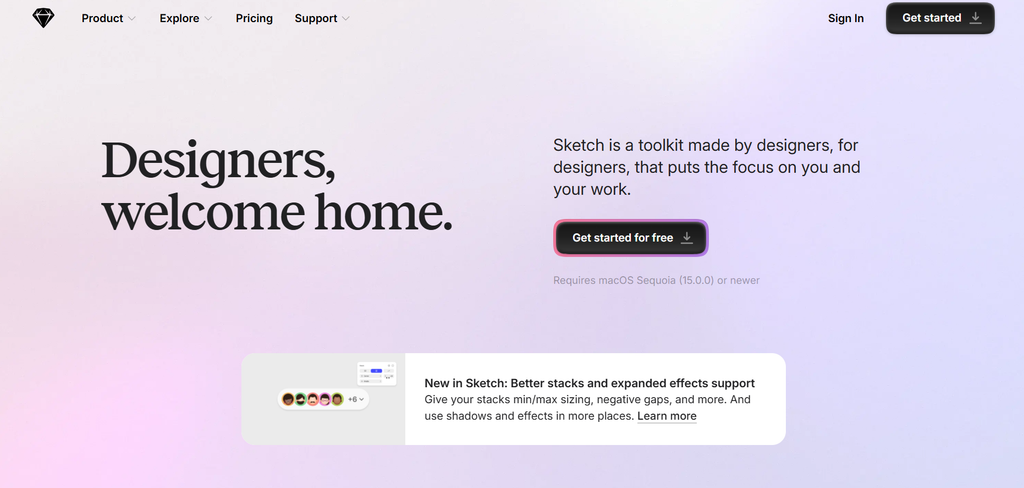
Sketch continues to shine as a lightweight yet powerful entry in the best web design tools category, particularly for Apple users. Its 2026 release introduces AI-driven symbol libraries, enhancing efficiency for repetitive web elements.
Standout Tools
Focused on vector graphics, Sketch offers symbols and overrides for modular design, perfect for creating reusable web components like navigation bars. The built-in inspector mimics browser dev tools, easing transitions to coding.
Pros:
- One-time purchase option ($99) avoids subscriptions.
- Extensive third-party integrations via extensions.
- Optimized for macOS performance.
Cons:
- Mac-only, limiting cross-platform teams.
- Less emphasis on full prototyping compared to Figma.
Practical Applications
Ideal for solo designers crafting app-like web experiences. In 2026, its collaboration via Sketch Cloud supports version history, rivaling cloud giants.
4. Canva
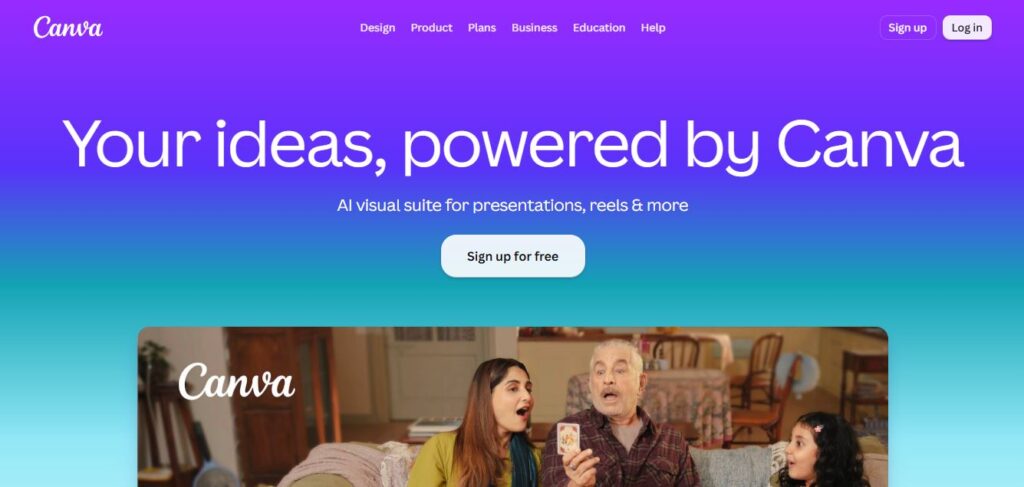
Canva democratizes design as one of the best web design tools for non-experts, with its drag-and-drop interface and vast template library updated for 2026 trends like neuromorphism and glassmorphism.
Essential Features
Beyond basics, Canva’s Magic Studio AI generates web banners, social graphics, and even simple site mockups from text prompts. Brand Kits ensure consistency across web elements.
Pros:
- Free plan with premium upgrades ($12.99/month).
- Mobile app for on-the-go edits.
- Export options include SVG for web scalability.
Cons:
- Limited advanced vector editing.
- Watermarks on free elements.
Who Should Use It?
Marketing teams needing rapid visuals for landing pages. Canva’s 2026 web builder extension turns designs into editable sites effortlessly.
Read Also – 10 Best Canva Alternatives in 2026
5. Adobe Photoshop
No list of best web design tools is complete without Adobe Photoshop, the gold standard for raster-based graphic design in web contexts. Its 2026 neural filters enhance photo manipulations for hero images and backgrounds.
Powerful Editing Suite
Generative Fill AI allows seamless expansions of web photos, while the Object Selection tool speeds up masking for composites. Web-optimized exports preserve quality at smaller file sizes.
Pros:
- Industry-leading layer and adjustment tools.
- Cloud syncing across devices.
- Extensive tutorials for web-specific workflows.
Cons:
- Resource-intensive on lower-end hardware.
- Part of Creative Cloud ($20.99/month standalone).
Optimal Scenarios
Photographers transitioning to web design. Photoshop’s integration with XD makes it a duo for polished, image-heavy sites.
6. Webflow
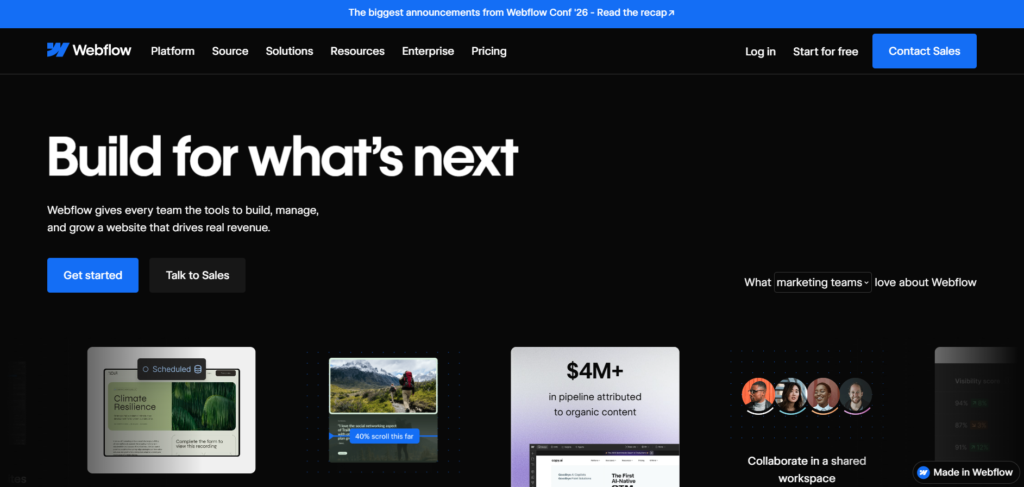
Webflow stands out among the best web design tools by combining graphic design with no-code development, enabling pixel-perfect sites without HTML tweaks in 202.
Advanced Functionalities
Its visual canvas lets you style with CSS-like controls, while the CMS handles dynamic content like blogs. AI-assisted animations add flair to interactions.
Pros:
- Hosting included in plans ($14/month).
- Responsive breakpoints for all devices.
- E-commerce ready out-of-the-box.
Cons:
- Overwhelming for absolute beginners.
- Higher learning curve for complex logic.
Target Users
Agencies building custom client sites. Webflow’s 2026 Logic feature automates workflows, rivaling traditional coding.
7. Affinity Designer
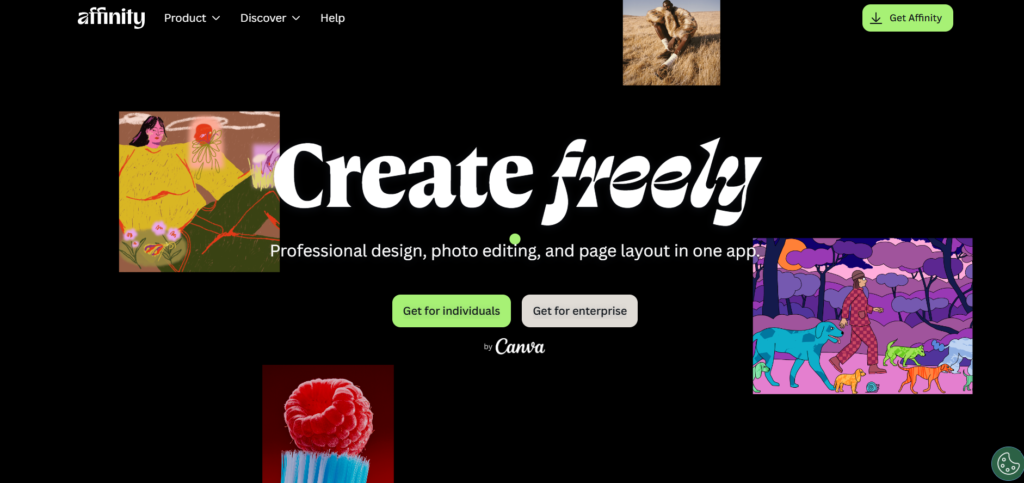
Rounding out our picks, Affinity Designer offers pro-level graphic design tools for web at a fraction of Adobe’s cost, with 2026’s raster-vector hybrid mode bridging gaps in web asset creation.
Highlighted Strengths
Persona switching between vector and pixel modes streamlines icon design to texture editing. Export personas optimize for web formats like WebP.
Pros:
- One-time buy ($69.99).
- Full Windows/Mac support.
- Non-destructive editing layers.
Cons:
- No cloud collaboration yet.
- Smaller plugin ecosystem.
Recommended For
Budget-conscious freelancers. Its iPad app extends web design to tablets seamlessly.
How to Select the Right Tool for Your Web Design Needs
Choosing among the best web design tools boils down to your workflow: collaborative? Go Figma. Code-free builds? Webflow. Budget matters too free tiers in Canva and XD lower barriers, while Affinity’s purchase model saves long-term.
Consider Integration and Workflow
Consider integration: Tools syncing with Slack or GitHub amplify productivity. Test trials to match your style 2026’s AI features mean even novices can produce pro results.
Emerging Trends Shaping Web Design Tools in 2026
Sustainability is key; tools now optimize for low-carbon hosting. Voice and gesture controls emerge, with XD leading prototypes. Expect more AR previews for immersive web experiences.
Conclusion
The best web design tools of 2026 empower creators to blend graphic prowess with technical finesse, delivering sites that engage and convert. From Figma’s teamwork magic to Affinity’s value, these seven options cover every angle.
Comments